
doodlecastpro_icon

card_gettingstarted_recordoffRecord button, timer, and audio level

card_gettingstarted_recordonRecording in progress

Getting Started

Doodlecast Pro is perfect for sharing an idea, teaching a lesson, or expressing your creativity.

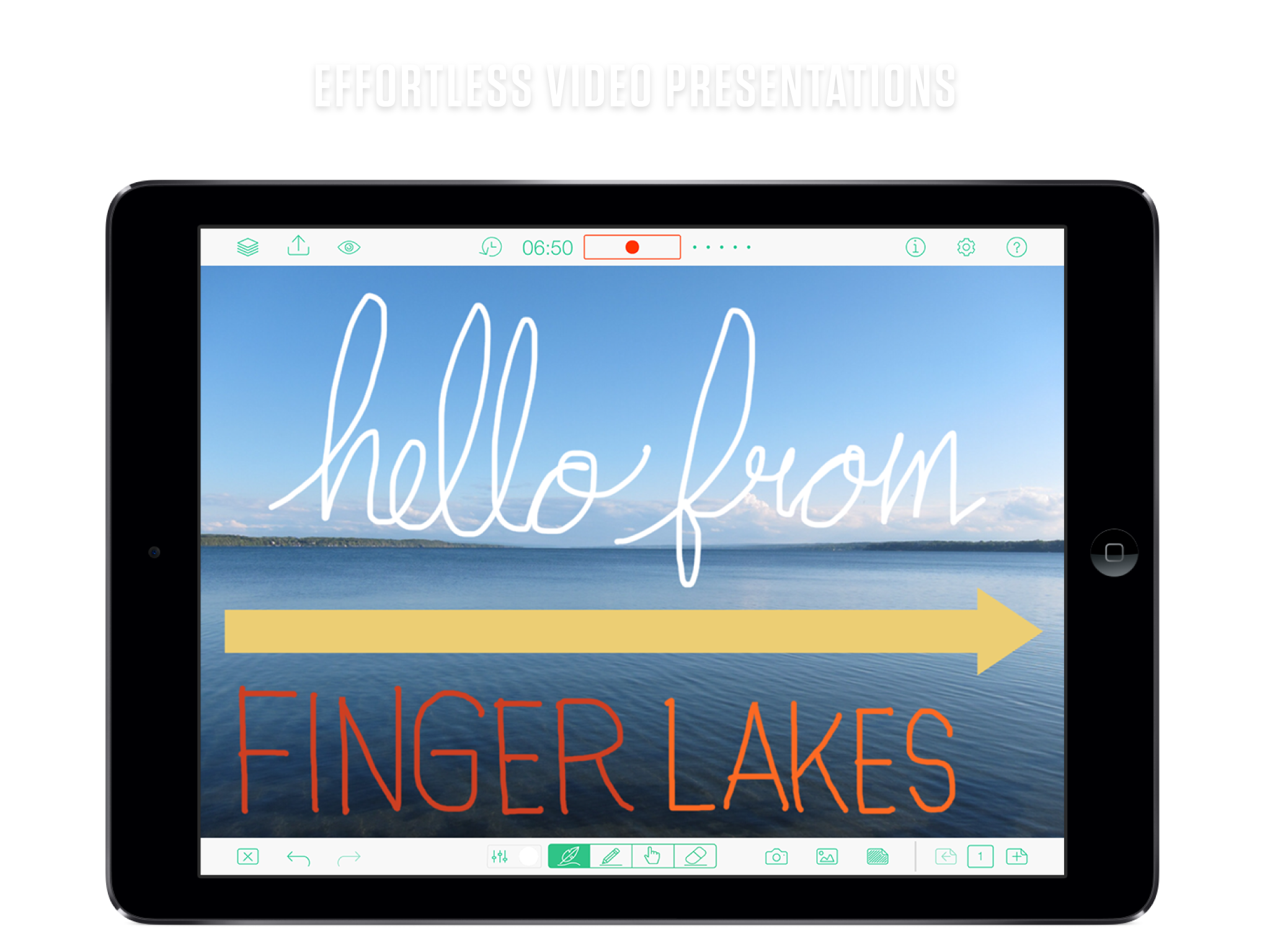
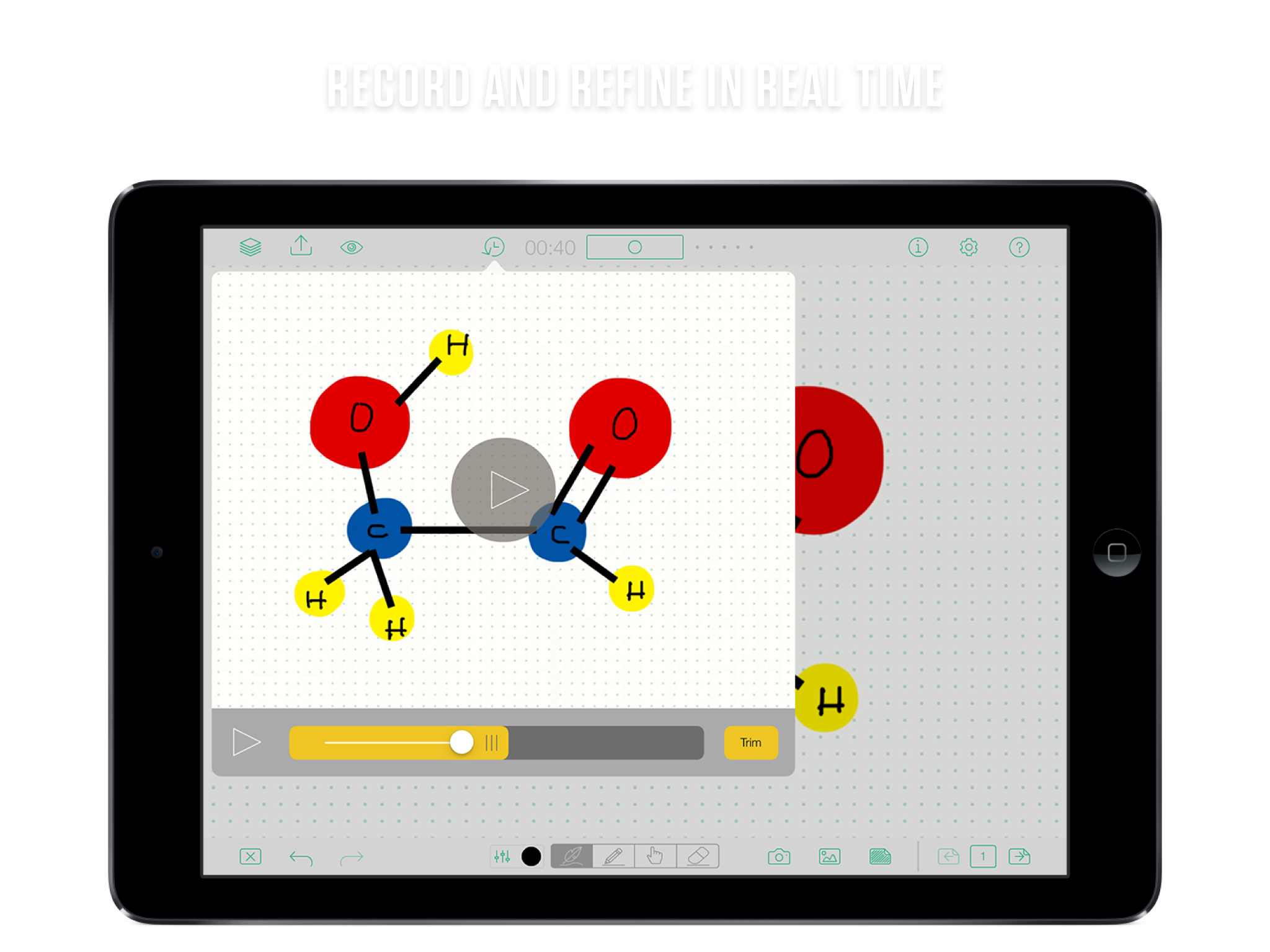
Press record to get started. Pause and resume your recording at any time.

The menu bars fade away as you work. Tap the top or bottom of the screen to make them reappear.

card_tools_optionsTool specific options

card_tools_undoredoClear screen and multiple undo/redo

Tools

Draw as you talk.

Everything is recorded as you go. Explore the many tool settings including colours, styles and opacity.

  • Brush
  • Fill
  • Pointer
  • Eraser

card_backgrounds_stylesA variety of styles

card_backgrounds_photosYour images

Backgrounds

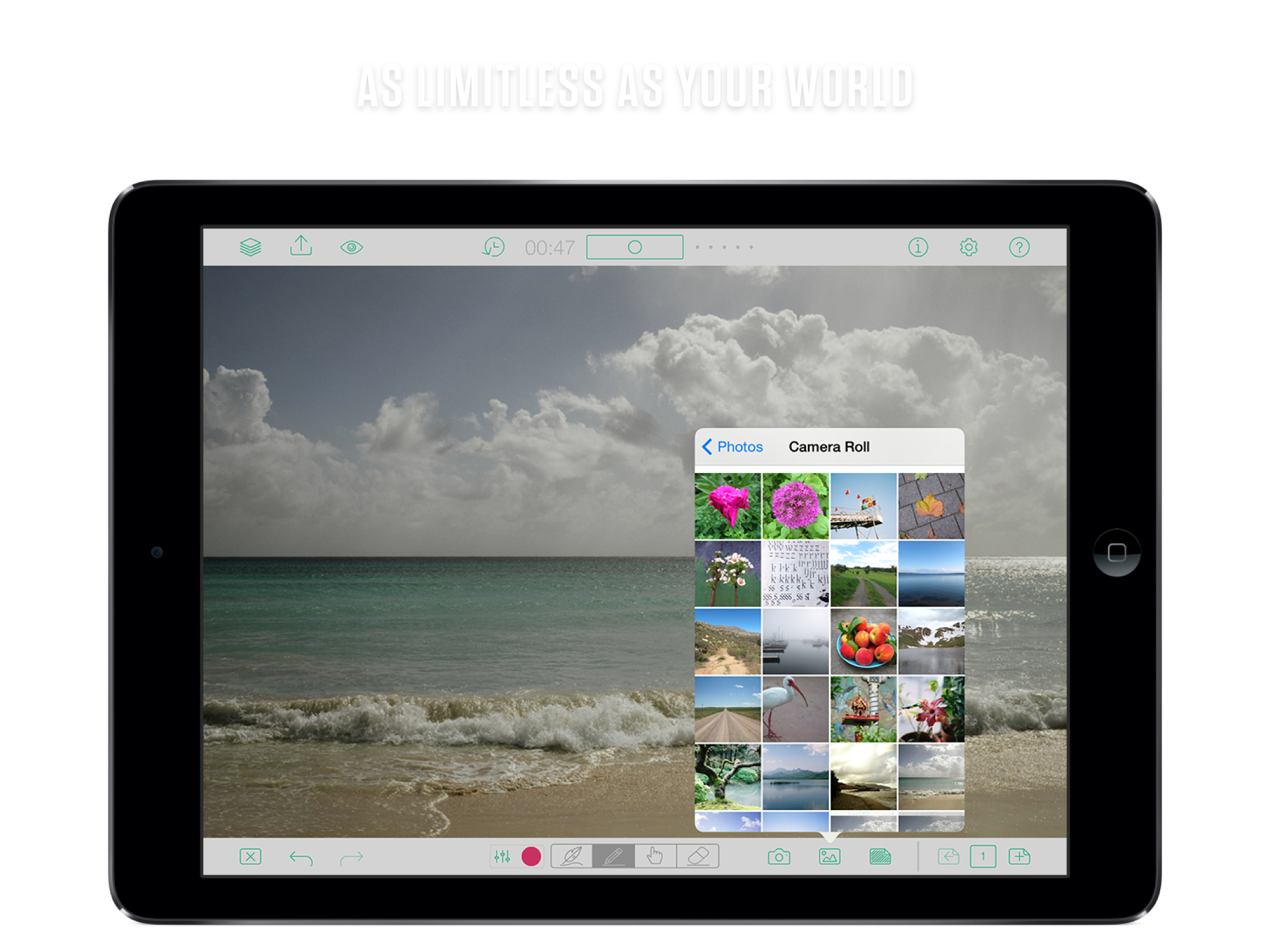
Choose a built-in background or images from your photo library.

Backgrounds can be changed as you record, making it easy to annotate a set of images.

card_sharing_menuPreview and Share

card_sharing_optionsSharing options

Sharing

Preview your Doodlecast at any time.

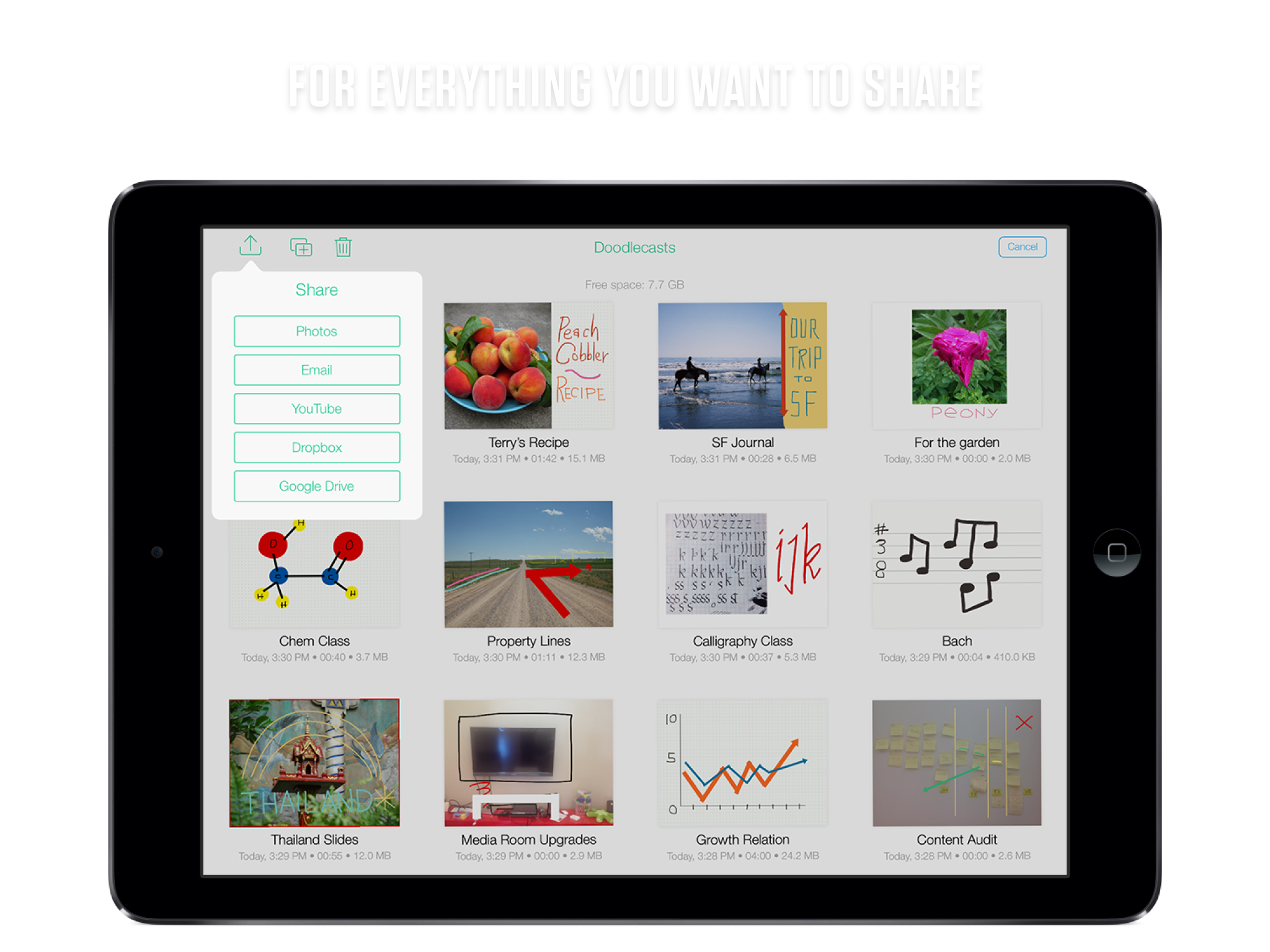
Save your Doodlecast to the photo library or share them using email or YouTube.

See what other people are making with Doodlecast Pro.

Available on the App Store